Options Screen Overview
Settings are grouped together:
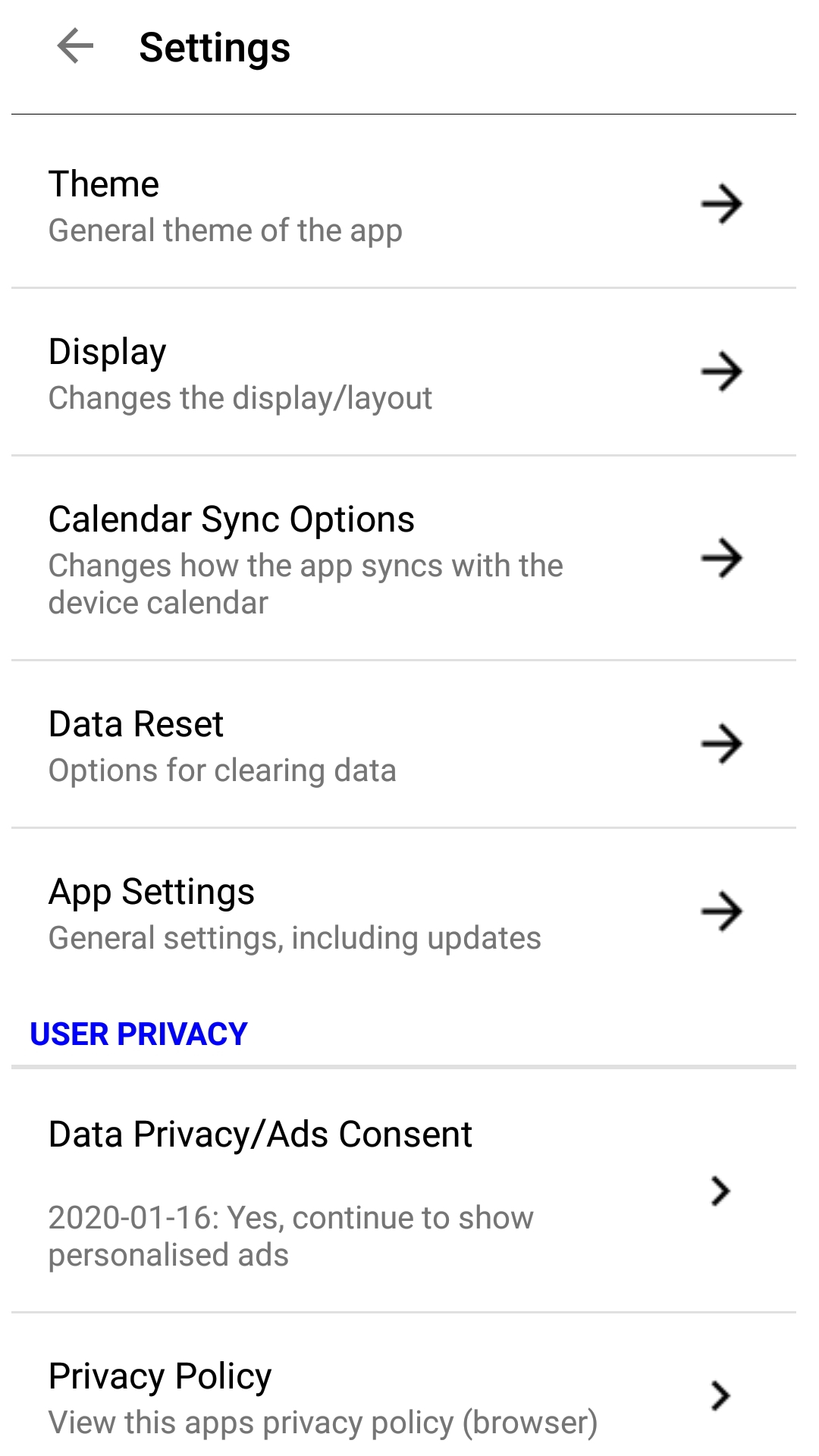
App Theme
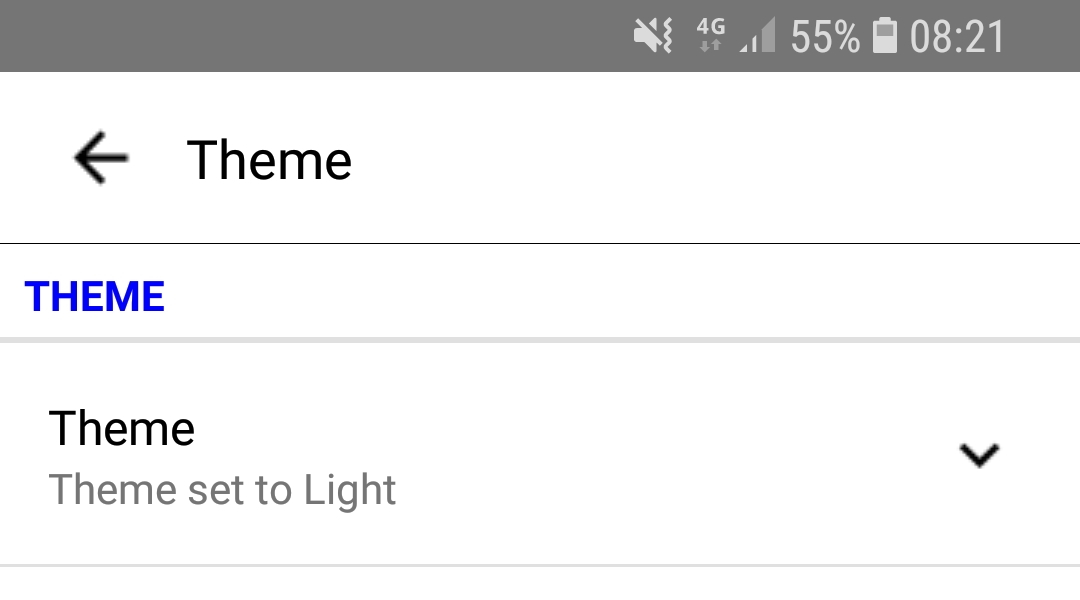
Choose between a light or dark theme
Display Options
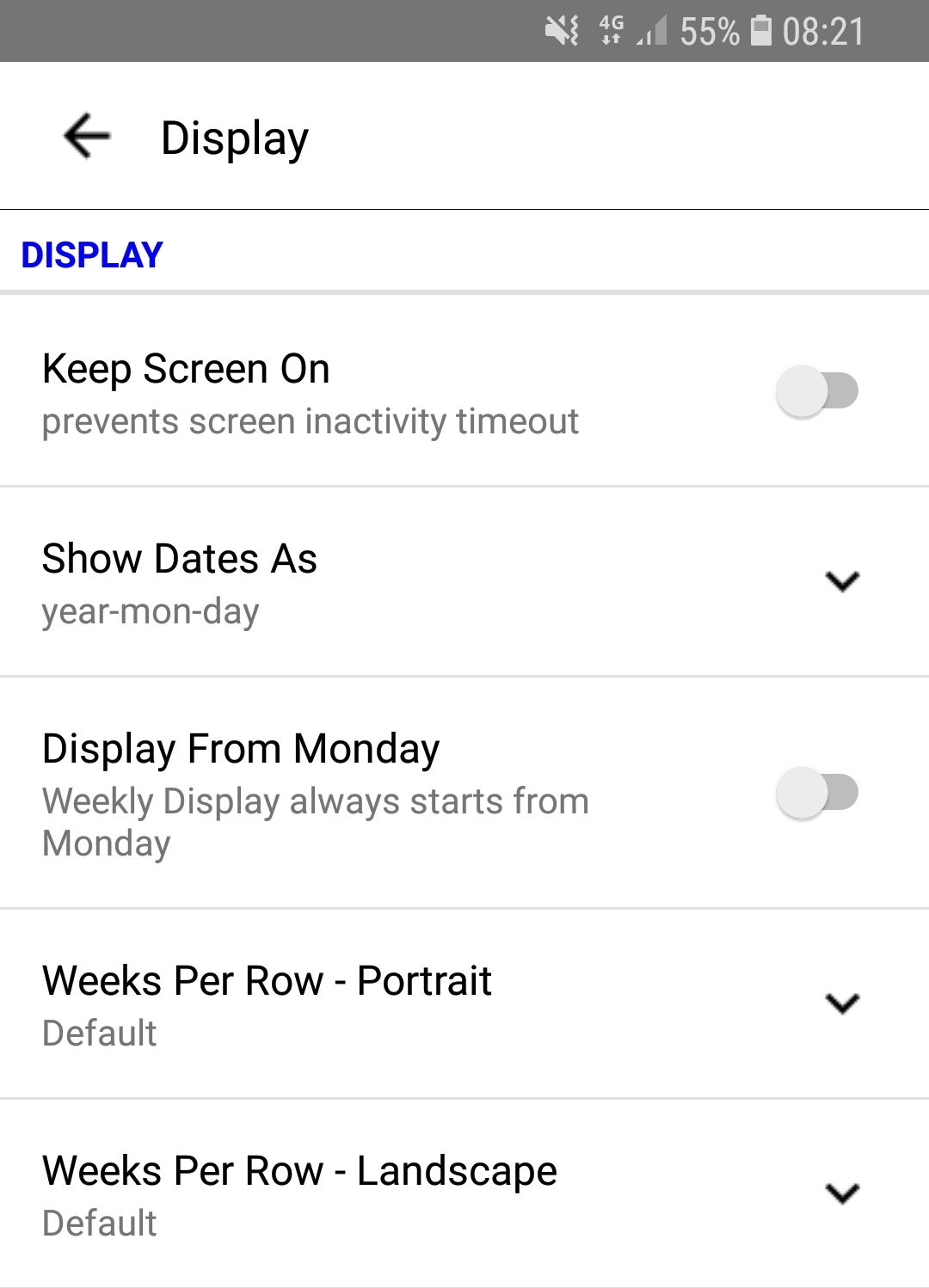

When selected, keeps the phone screen on whilst the app is in use

Changes the display of dates in the screens


Display the calendar with monday in the first column (week based calendar views only)

How many weeks are displayed on each row in portrait mode
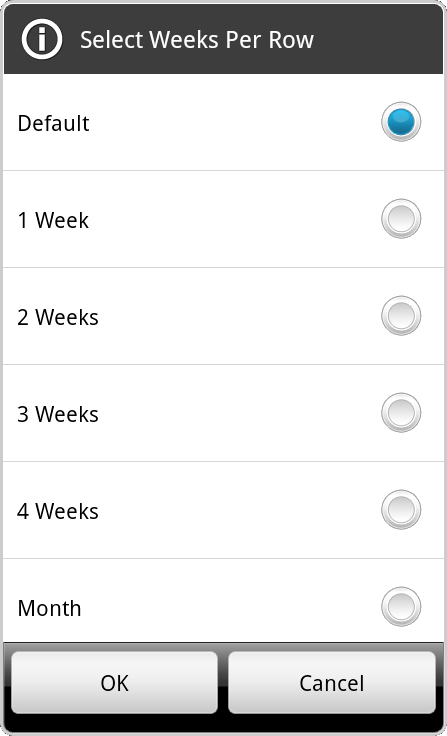
The default setting depends on your device's size, in month view one month per row is displayed.

How many weeks are displayed on each row in portrait mode
The default setting depends on your device's size, in month view one month per row is displayed.
Calendar Sync Options
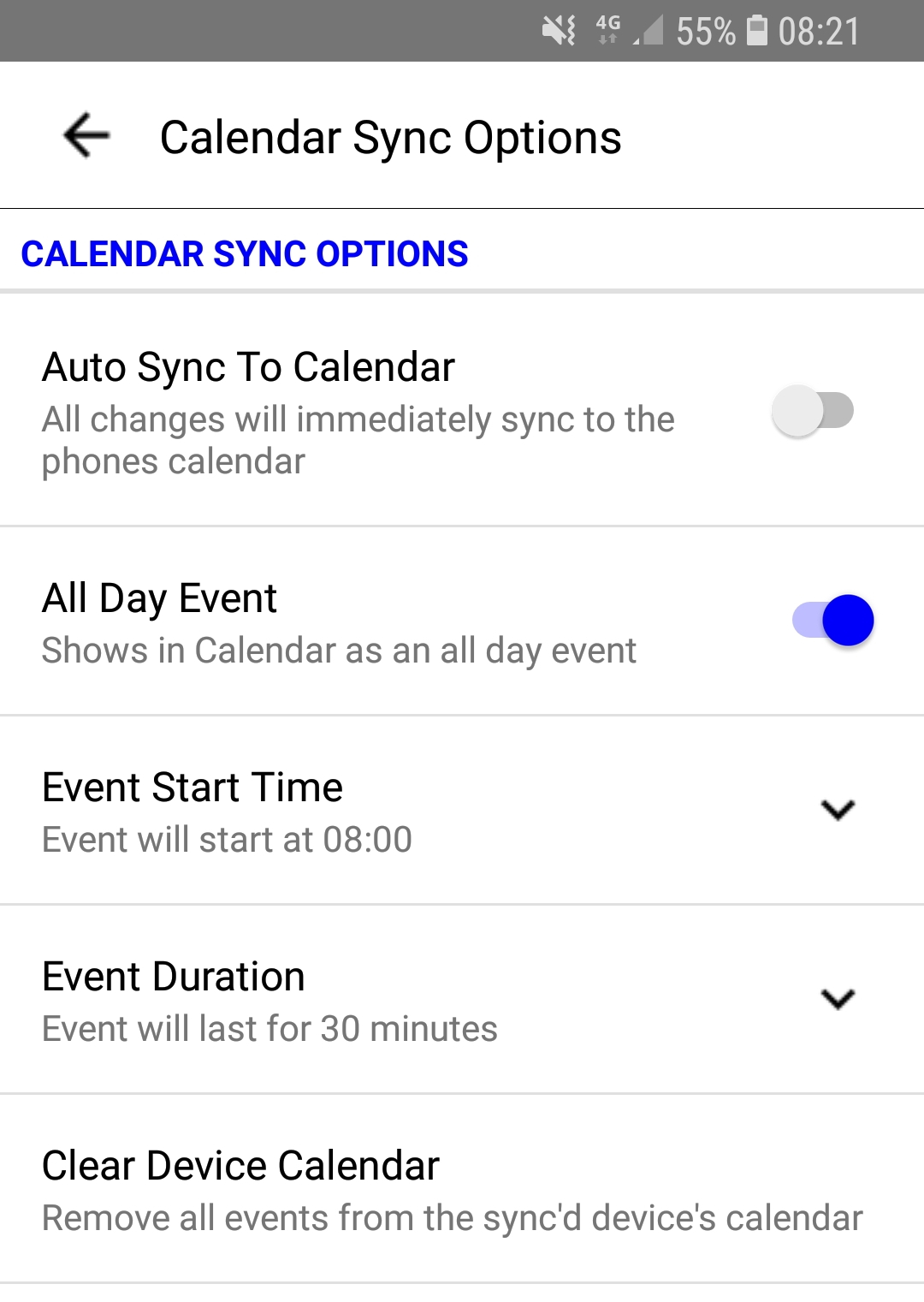

The phone's calendar will be updated every time the selected tickets are edited or calculated

The events added to the phones caledar will be 'All Day' events

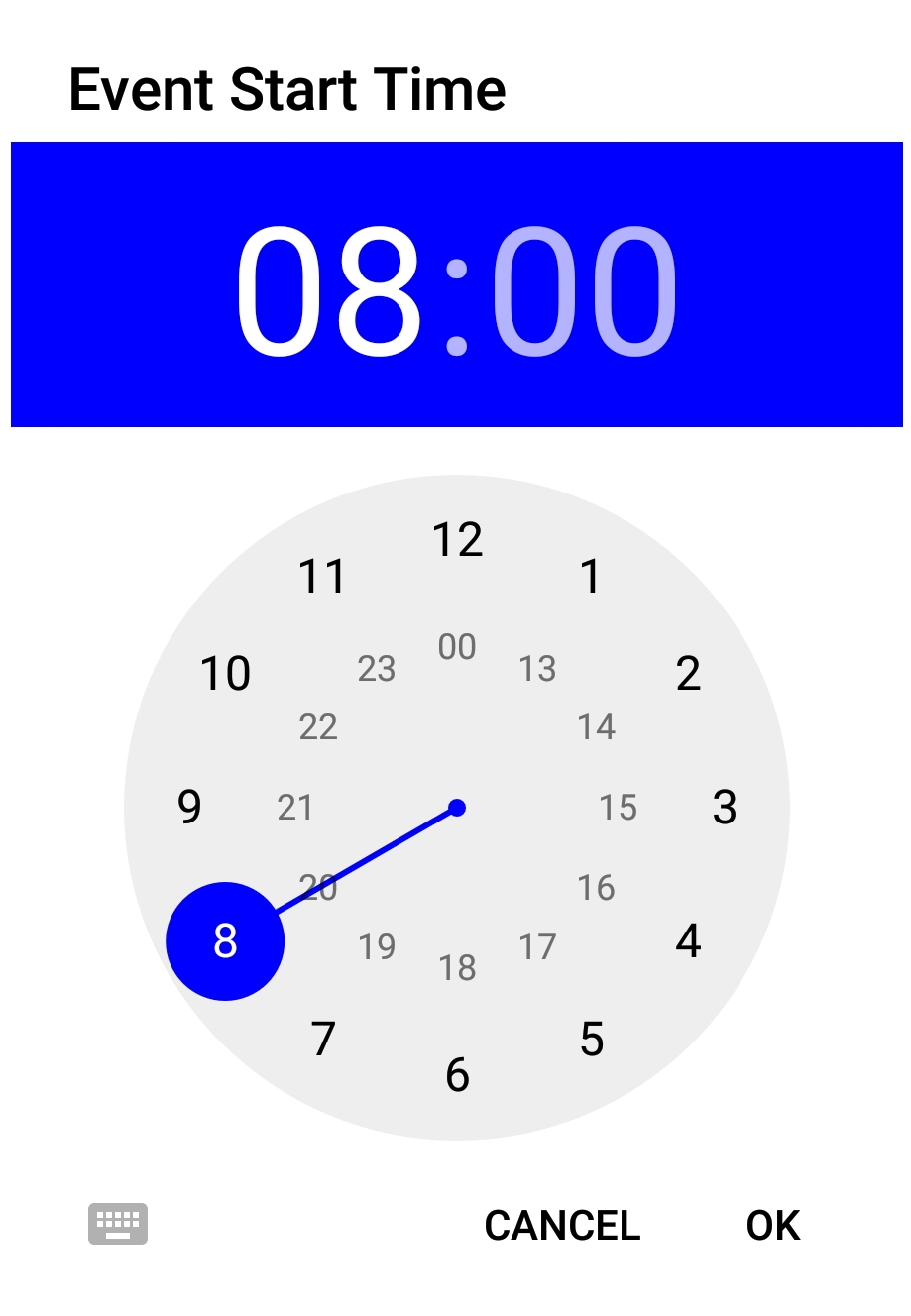
Enter the start time of the event for the phone's calendar

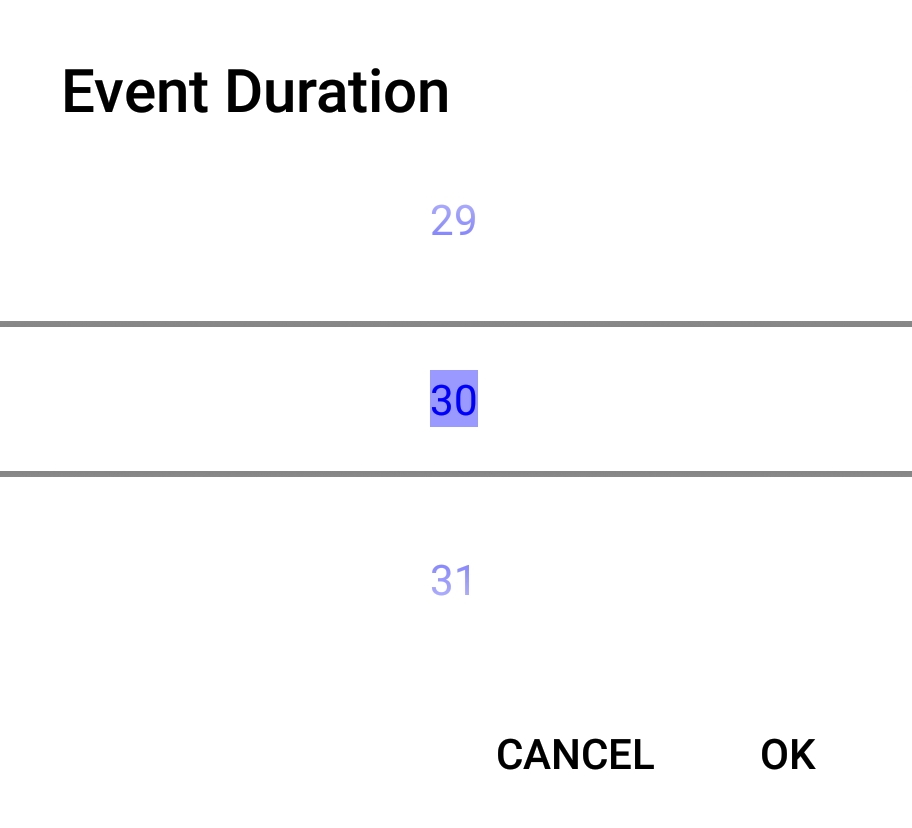
Enter the events duration in minutes

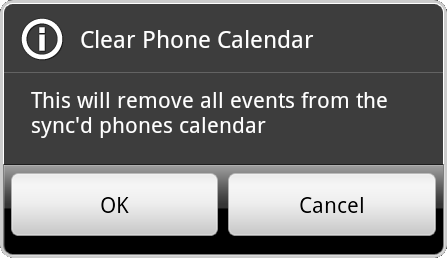
Clear all events from the phone's calendar, you will be asked to confirm
Data Reset
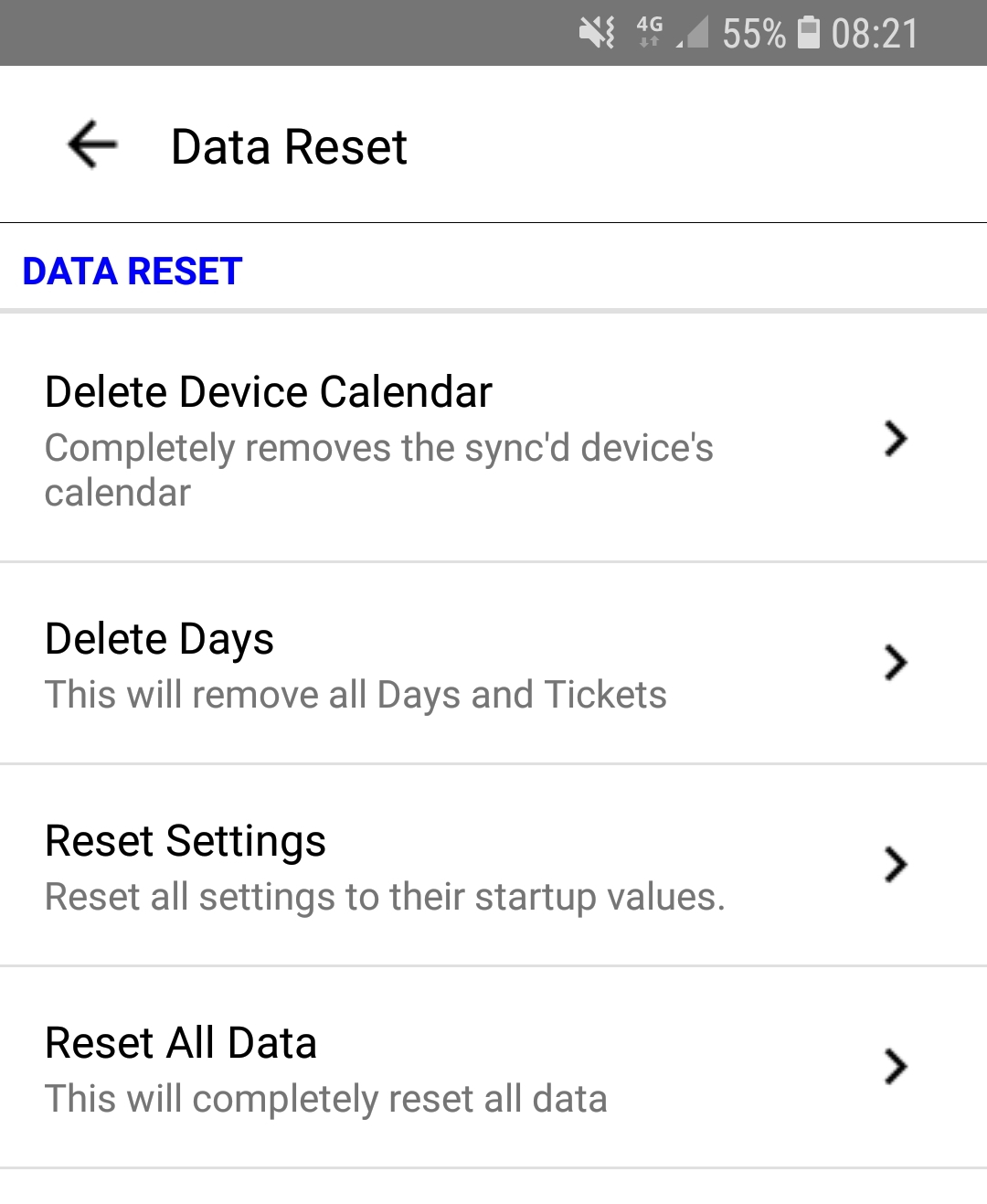

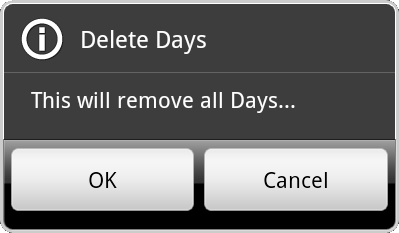
Remove all data from the phone's calendar


Removes all days and tickets

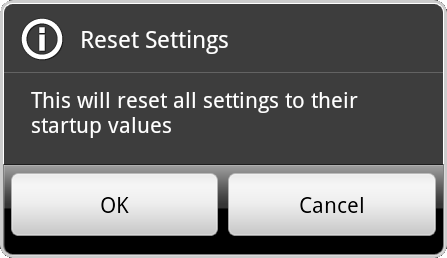
Reset the settings back to defaults
This includes changing the dates, so tickets outside of the new date range will be lost

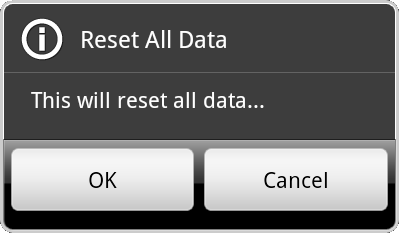
Resets the settings and prices back to defaults, and removes all days and tickets
App Settings
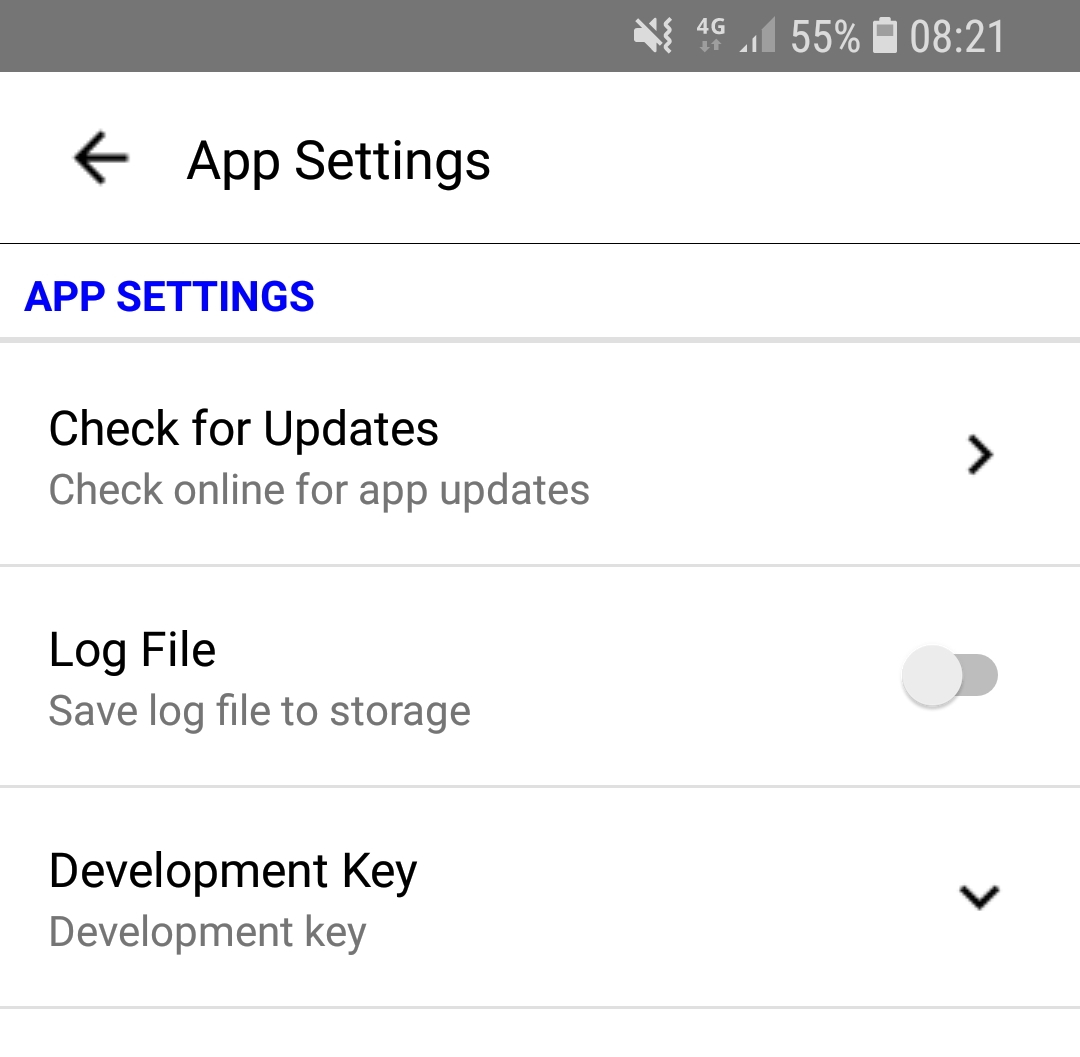

Check online for latest updates

When set, writes a log file to the sd card for help with investigating problems
This is always reset when the app is restarted

You can enter a Developer Key
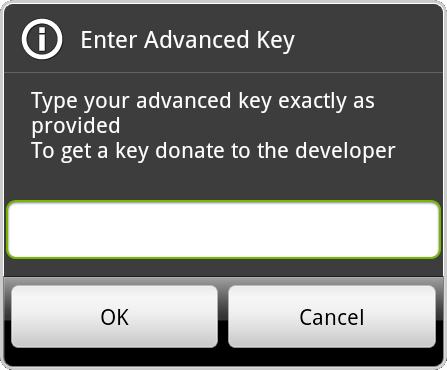
The same key can be used for all shelf apps