
Accessed from the main menu or action button on the Calendar Screen

Export to a file on the SD card

Import from a file on the SD card

The Format of the file is explained below (for those who are interested)
You will be exporting the current settings, prices and days
The file will be saved into the /travetickets/files/ folder on the sd card
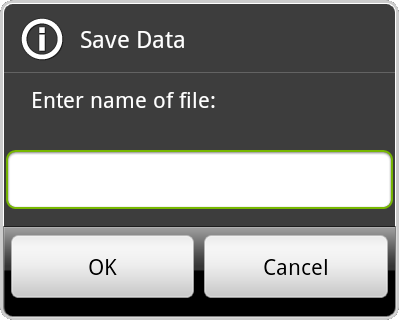
Enter the name of the file, you do not need to provide an extension (.txt will be added for you)
The file will be saved into /traveltickets/files/, if the file already exists it will be overwritten
As import will replace all settings, prices and days you have currently in the app, you will need to confirm the import
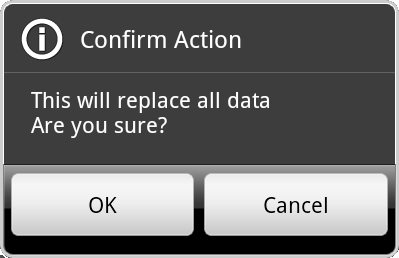
Once confirmed you need to select the file to import...
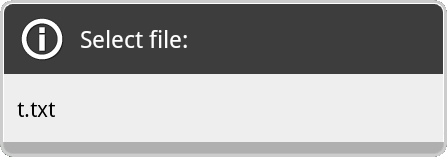
You will be given a list of files in the /traveltickets/files/ folder, so you can choose one to import
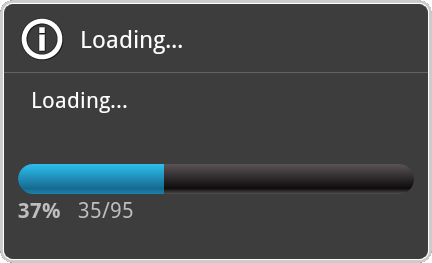
You will see a progress window, whilst the import is loaded, at this point all your current settings, prices and days will have gone
When complete, you should see your imported data
The file is plain text, consisting of one line per 'entry'
Entries
Each entry line consists of a marker 'S','P','D'and the data that makes up the entry, separated by a tab character (\t or chr 9)
Setting entry
S setting value
The setting determines which of the 5 settings the value is for, you can only specify each setting once
setting st indicates that the value is the start date in 'YYYY-MM-DD' format
setting eo indicates that the value is the end date in 'YYYY-MM-DD' format, this must be after the start date
setting ex indicates that the value determines if the calcualtions must end exactly on the end date: it must be either 't' (true) or 'f' (false)
setting ac provides the accuracy of the calculations: its in the range 0 to 4
setting nt provides the number of non-ticket needed days to force a new ticket when calculating: it must be in the range 2 to 14
Price entry
P code price inuse
The code is one of the codes used to differentiate prices, no two codes can be the same
This is also the code reference in the Day entry
The price is the cost of the ticket
inuse determines if this ticket is used during calculations: it must be either 't' (true) or 'f' (false)
Day entry
D date ticketrequired fixed ticketcode
The date is the date to which the data applies in 'YYYY-MM-DD' format
This must between the start and end dates from the settings
ticketrequired determines if a ticket is needed on this day: it must be either 't' (true) or 'f' (false)
It must be set correctly, as this will override any 'default' requirements
fixed determines if the ticket to be bought on this day is fixed (ie not calculated): it must be either 't' (true=fixed) or 'f' (false=calculated)
The ticketcode refers to the code of the ticket (price) which is to be bought on this day